

How Static QR Codes Work
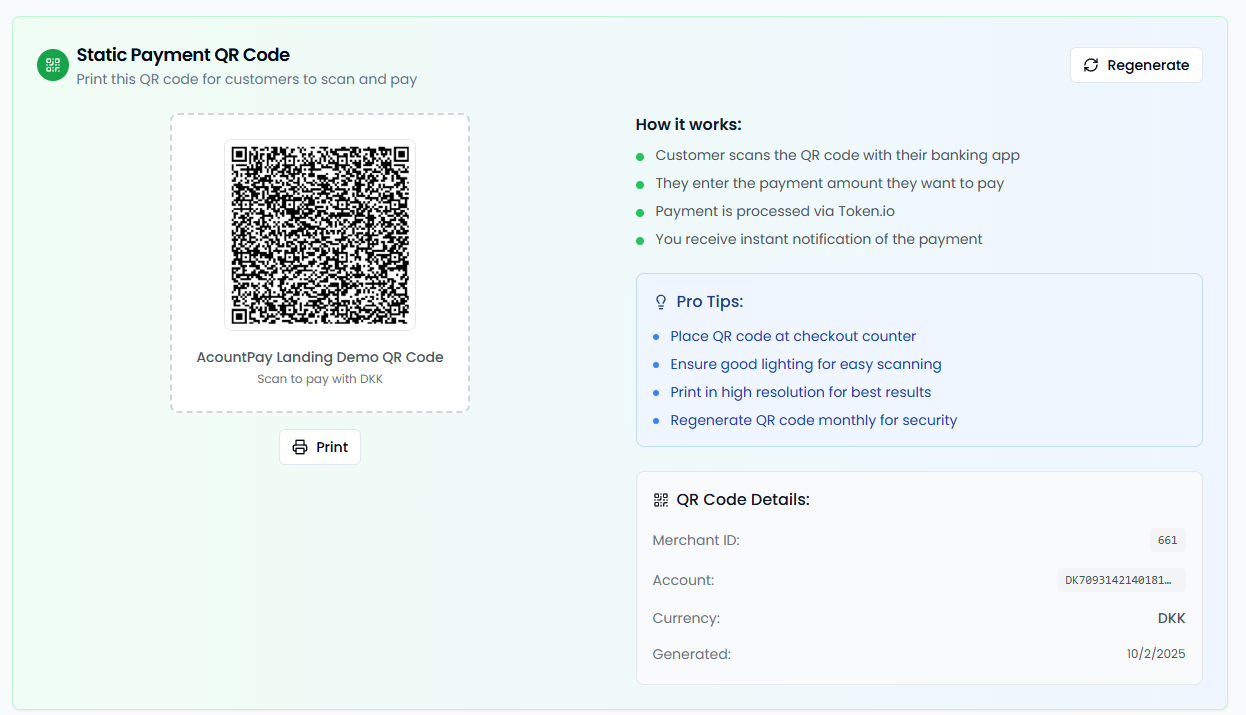
- You Generate: Create one permanent QR code for your business
- Customer Scans: They use their phone camera or banking app
- They Choose Amount: Customer enters how much they want to pay
- Payment Processes: Secure payment through their bank
- Both Get Confirmation: Instant notification for you and customer
Key Benefits
- Flexible Amounts: Customers pay exactly what they owe
- No Staff Needed: Self-service payment option
- One Code for Everything: Use the same QR code for all transactions
- Works Anywhere: Print or display digitally
Setting Up Your QR Code
Creating Your Code
- Log into your merchant dashboard
- Go to the dashboard on the POS site
- Generate and download your static QR code
Display Options
Physical Displays
- Table Tents: 10cm x 15cm displays for restaurants
- Posters: A3 size for walls and windows
- Business Cards: Small codes for handheld distribution
- Stickers: Waterproof options for outdoor use
Digital Displays
- Website: Embed on your business website
- Social Media: Share on Facebook, Instagram
- Email Signatures: Include in business emails
- Digital Screens: Display on monitors and tablets
Customer Experience
What Customers See
- Business Recognition: Your business name and logo
- Amount Entry: Simple interface to enter payment amount
- Tip Options: Add tip if enabled (restaurants/services)
- Bank Selection: Choose their preferred bank
- Secure Payment: Complete through their banking app
Payment Confirmation
- Transaction Summary: Amount, business, date/time
- Receipt Options: Email, SMS, or screenshot
- Reference Number: For their records
- Contact Info: Your business details for questions
Static QR codes provide maximum flexibility for customer-initiated payments while maintaining security and ease of use.