

Analytics & Reporting
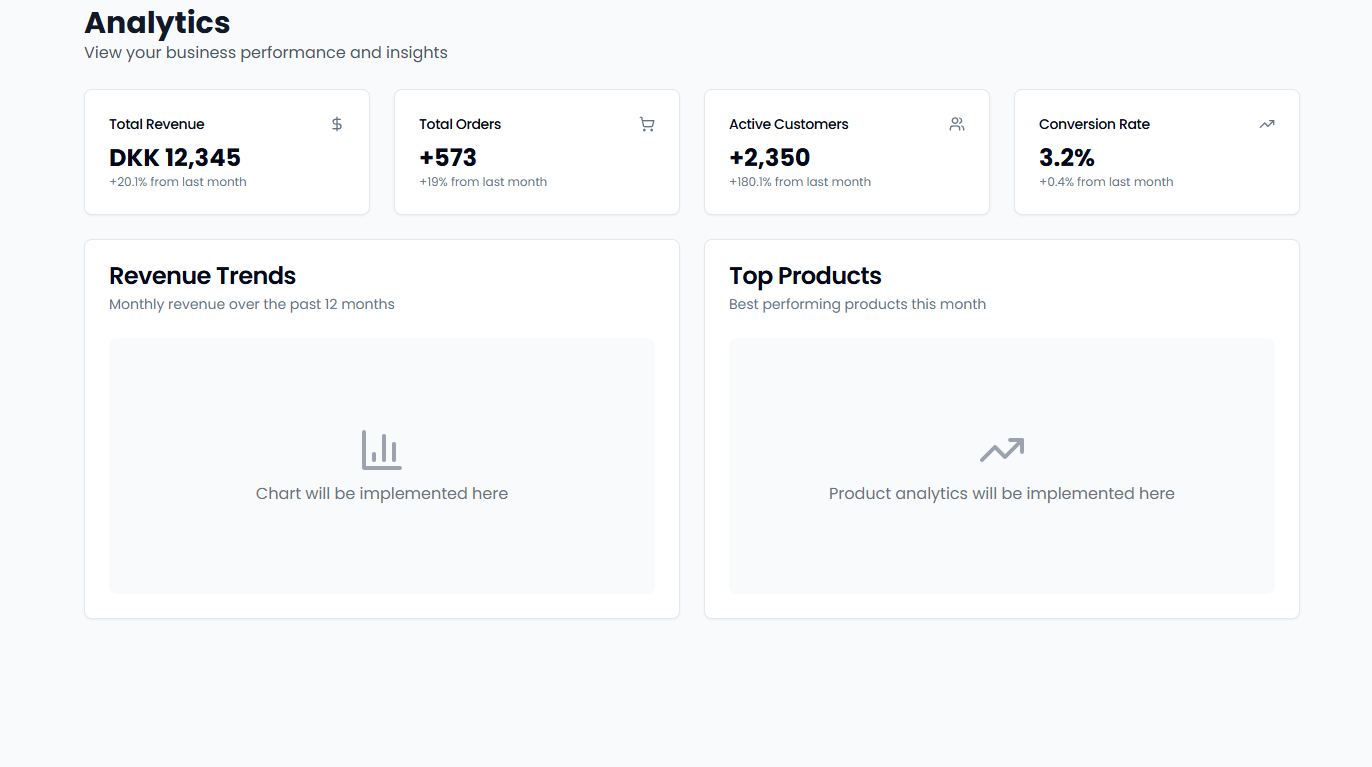
Track your business performance with simple analytics and easy data exports for accounting and tax purposes.Real-time Dashboard
Key Metrics You’ll See:- Today’s Sales: Current revenue and transaction count
- Success Rate: Percentage of completed payments
- Popular Payment Times: When customers pay most
- Top Products: Best-selling items (if using product catalog)
Transaction History
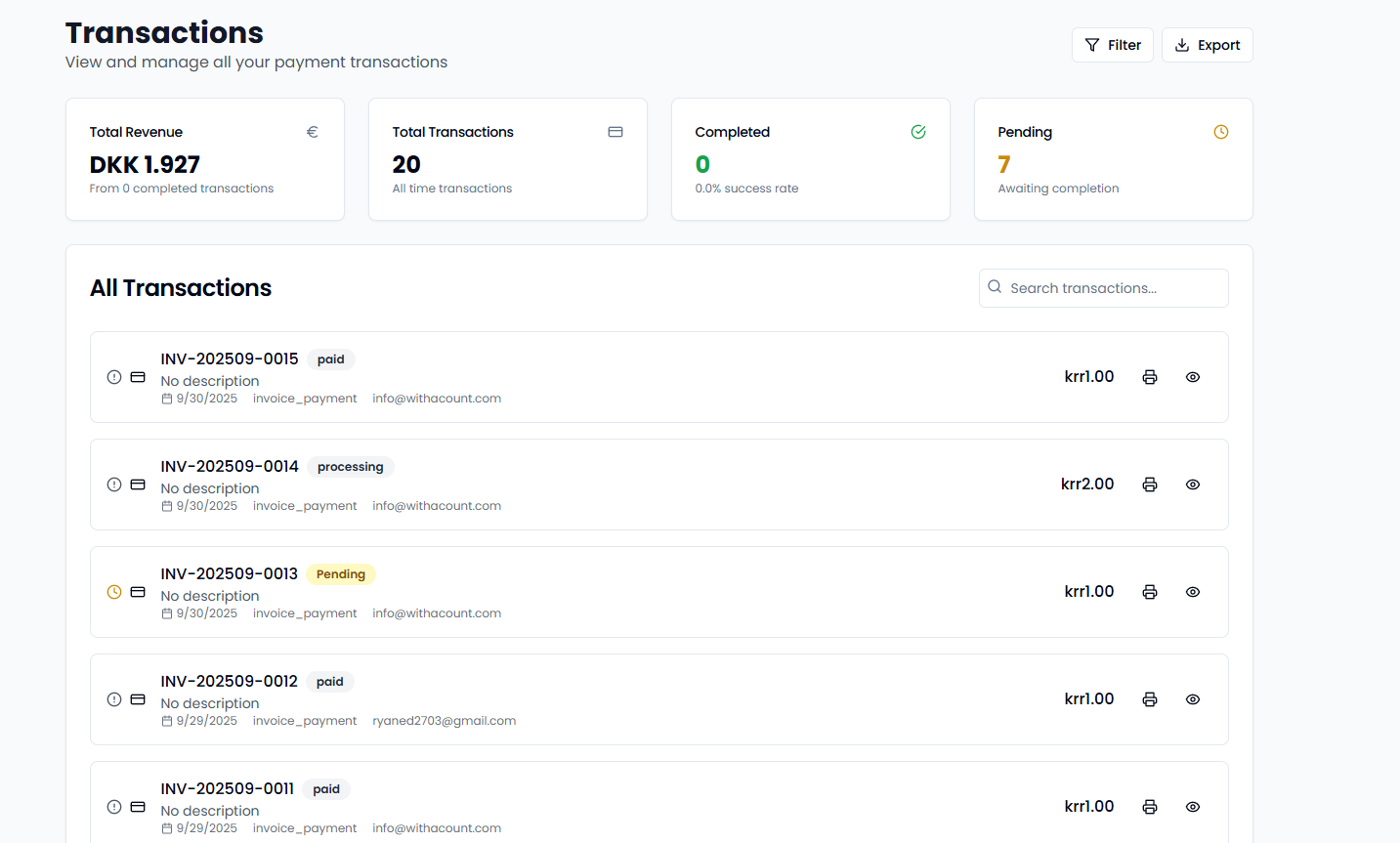
View All Payments:- Complete list of all transactions
- Filter by date, amount, or status
- Search specific transactions
- Real-time status updates
- Date and time
- Payment amount and currency
- Customer’s bank
- Success or failure status
- Processing fees
- Employee who processed (if applicable)
Export Your Data
Quick CSV Export
Two Easy Ways:- From POS Terminal: Navigate to Transactions → Export to CSV
- From Dashboard: Visit merchant.acountpay.com → Transactions → Export
- Transaction date and time
- Payment amounts
- Bank information
- Success/failure status
- Reference numbers
- Processing fees
Use Exports For:
- Accounting Software: Import into QuickBooks, Xero, etc.
- Tax Preparation: Organized data for filing
- Business Analysis: Track trends and patterns
- Record Keeping: Maintain transaction history
Basic Reports
Daily Summary
- Total sales for the day
- Number of transactions
- Average transaction amount
- Peak payment hours
Monthly Overview
- Revenue growth compared to previous month
- Most popular payment methods
- Busiest days and times
- Top-selling products (if applicable)
Tax Information
- Automatic VAT calculations
- Tax breakdown by rate
- Tax-exempt transactions
- Quarterly summaries
Performance Insights
Simple Metrics:- Best Days: Which days bring most revenue
- Peak Hours: When customers pay most often
- Popular Banks: Most-used payment methods
- Average Amount: Typical transaction size
- Transactions processed per person
- Processing times
- Success rates
Getting Started
- View Dashboard: Check daily performance in real-time
- Export Data: Download transaction history regularly
- Review Trends: Look for patterns in customer behavior
- Use for Taxes: Export quarterly data for accounting
All data is automatically calculated and updated in real-time. No complex setup required.