

Adding Employees
Employee Information
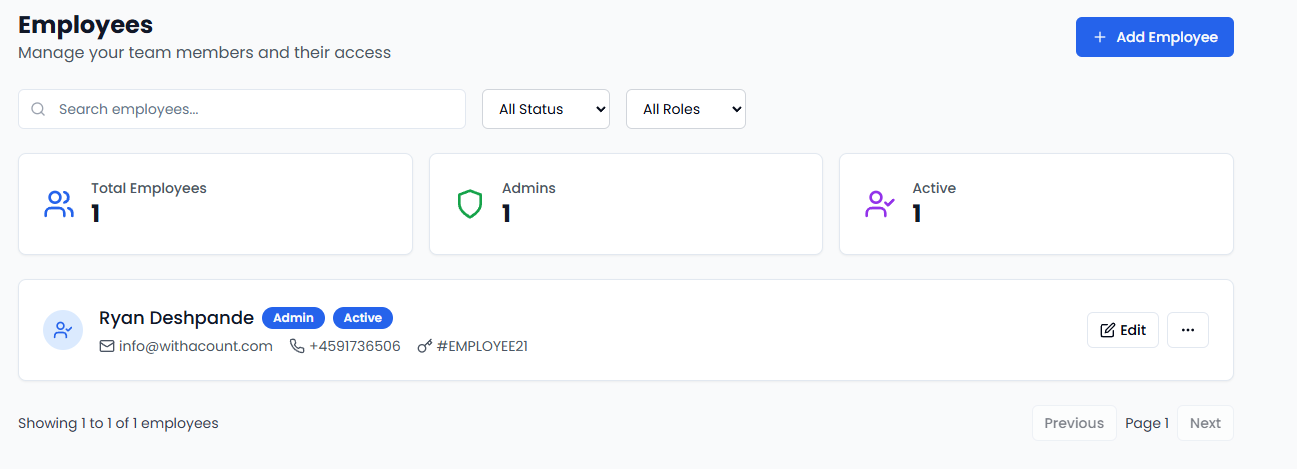
When adding new employees, you’ll need:- Name and Email: Basic contact information
- Role Assignment: Choose from predefined roles
- Login Credentials: Username and secure password
- Contact Details: Phone number for notifications
Employee Status
- Active: Full access to assigned permissions
- Inactive: Temporarily disabled access
- Suspended: Access revoked if needed
Role-Based Permissions
Predefined Roles
Admin Role:- Full system access and configuration
- User management and role assignment
- All reporting and analytics
- System settings
- Employee supervision
- Inventory management
- Sales reporting and analysis
- Customer service oversight
- POS terminal access
- Transaction processing
- Basic inventory viewing
- Customer interaction
Permission Categories
| Category | What It Controls |
|---|---|
| POS Operations | Who can use the payment terminal |
| Transactions | Who can process payments and refunds |
| Inventory | Who can view and edit products |
| Reporting | Who can see sales reports and analytics |
| Administration | Who can manage users and settings |
Creating Custom Roles
Role Builder Features:- Visual permission selection interface
- Choose specific permissions for each role
- Set access restrictions by department or time
- Test roles before assigning to employees
- View and edit inventory
- Import product data
- Generate inventory reports
- No access to financial data or user management
The user management system is designed to be simple and secure. Most businesses can set up their entire team in just a few minutes.